









Builds made by real players
Every patch changes the meta. Items get nerfed, runes get adjusted, and suddenly your favorite build doesn't work the same way. You search online and find generic builds that don't always apply to your playstyle or elo.
That's why we created Community Builds on WhoIsBetter. Now you can create your own champion builds with items, runes, and summoner spells, publish them, and let the community vote on which ones are the best.
How it works
1. Pick your champion and role
Go to Builds and select the champion you want to build for. Choose the role (Top, Jungle, Mid, Bot, or Support) and give it a descriptive name.
2. Build your items
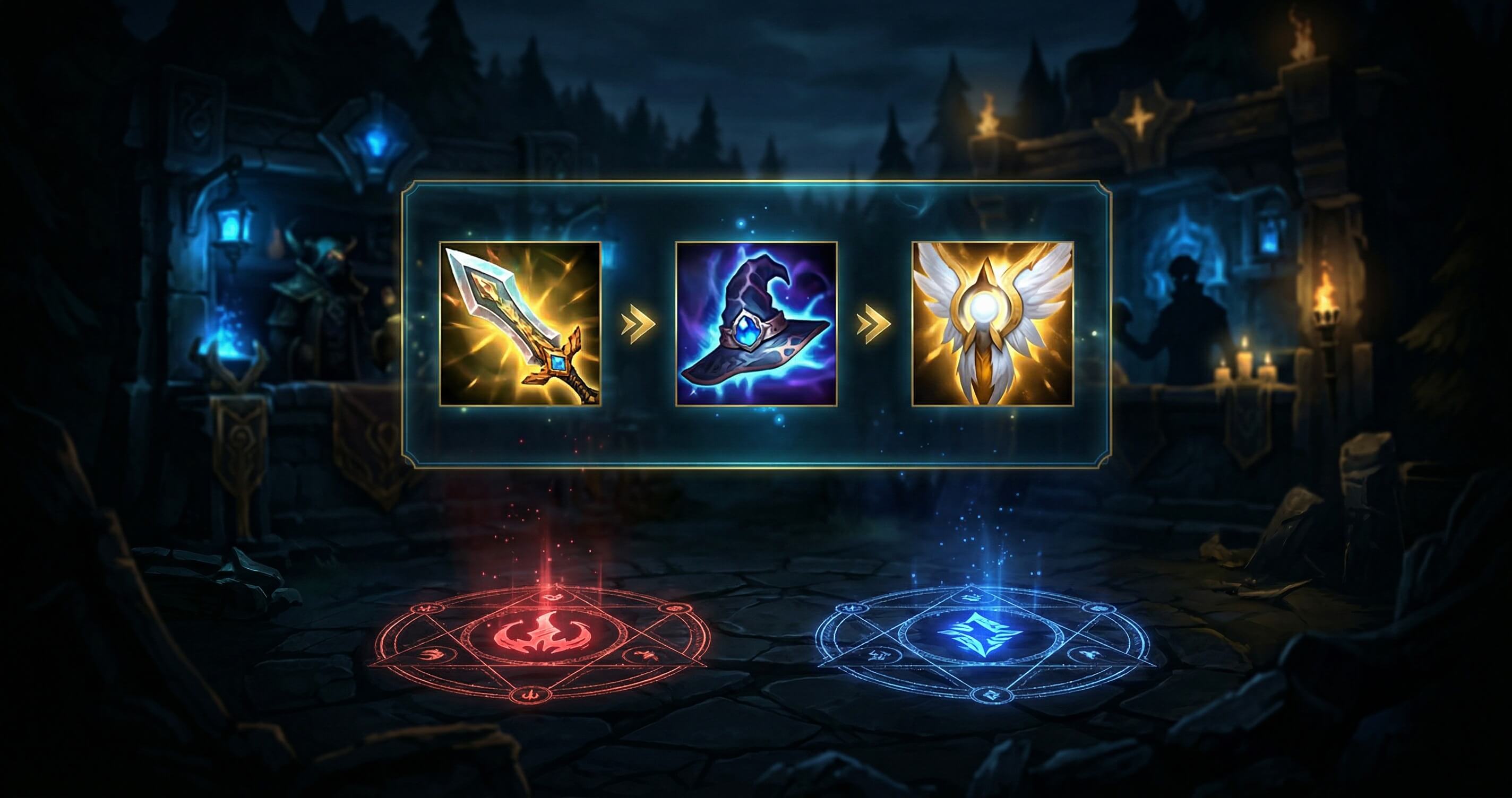
Select up to 6 items in the order you'd buy them. You can filter by category (Damage, Crit, Armor, etc.) and search by name. Items are shown with their name and gold cost.
3. Set up your runes
The rune selector works just like the LoL client. Choose your primary tree with keystone and 3 minor runes, then secondary tree with 2 runes, and finally stat shards. Each rune shows its name and description on hover.
4. Summoner spells
Select your 2 summoner spells to complete the build.
5. Publish and share
Once published, your build is visible to the entire community. Other players can vote whether they think the build is good or not. Builds with the most positive votes rise to the top.
Find the perfect build
On the builds page you can filter by champion, role, and sort by votes, most recent, or most viewed. It's the fastest way to find updated builds for the current patch.
Requirements
To create builds you need:
- A WhoIsBetter account (sign in with Discord, Google, or X)
- A linked and verified League of Legends account
This ensures builds come from real players, not bots.
Start now
The feature is live. Create your first build and share your meta knowledge with the community.