






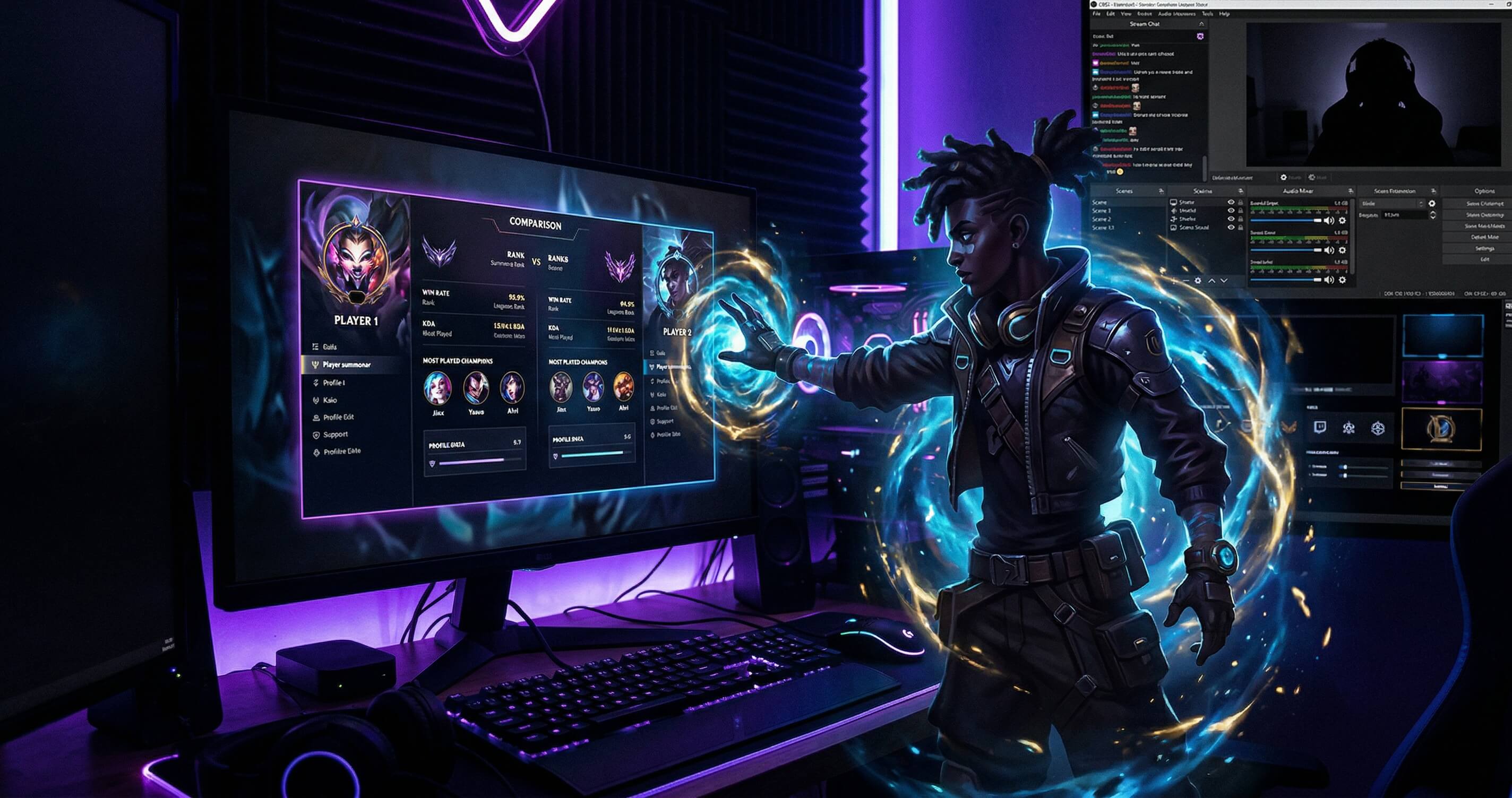
Your challenge, on your stream
We know many streamers and content creators use WhoIsBetter to interact with their community. Until now, you had to share a link in chat and hope people would click it. That changes today.
Now you can put a widget directly on your stream with your profile, your rank, and a QR code. Your viewers scan it with their phone and compare against you instantly.
How it works
Step 1: Generate your embed
Go to the Challenge section and enter your Riot ID. Once you generate your challenge link, you'll see a new button: "Embed for your stream".
When you open it, you get three options:
- OBS URL: Paste it as a Browser Source in OBS and you're done
- Embed code: An iframe for your website or profile
- Downloadable QR: A PNG image of the QR in case you want to use it as an image
Step 2: Customize
You can choose between dark or light theme depending on your stream, and change the accent color to match your personal brand.
The preview updates in real time so you can see how it looks before using it.
Step 3: Add it to OBS
In OBS it's super simple:
- Right click on Sources -> Add -> Browser
- Paste the overlay URL
- Set width to 400 and height to 180
- Done, the widget appears with a transparent background
The overlay shows your avatar, your rank, a "Can you beat me?" and the QR code that leads directly to your challenge page.
Step 4: Your viewers compare
When a viewer scans the QR with their phone, they land directly on your challenge on WhoIsBetter. They just need to enter their Riot ID and see the result in seconds.
The best part: they don't need an account to compare. Just scan, enter their ID, and done.
What it's for
- Engagement: Your viewers interact with you without you having to do anything
- Content: You can react live to the results ("this viewer beat me in vision score?!")
- Growth: Every comparison from your embed brings new people to your WhoIsBetter profile
Tips
- Placement: Put it in a corner of your stream where it doesn't block important information
- Mention it: Tell your viewers to scan it, not everyone will notice the QR on their own
- Light theme: If your stream has a light background, use the light theme so the text is visible
- Color: Use your brand color as the accent so it feels integrated
Coming soon
We're working on a Twitch Extension where viewers will be able to compare directly from your channel panel, without needing to scan anything. But for now, the overlay with QR works on any platform: Twitch, YouTube, Kick, or wherever you stream.
Generate your embed now in the Challenge section.